Shipping Label Printer Setup: A TMS Buyer's Framework
Choose the right label printing architecture and hardware for a multi-carrier TMS, with ranked criteria, a situation-to-pick table, and vendor fit.

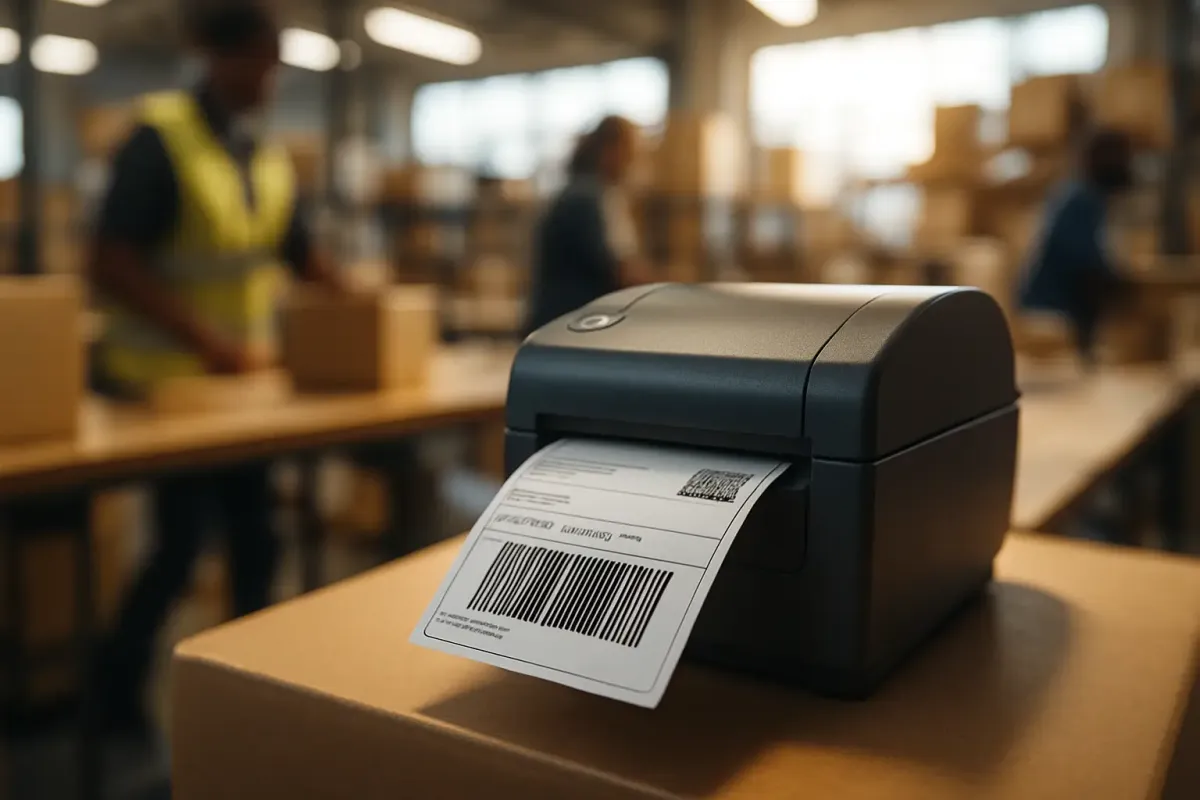
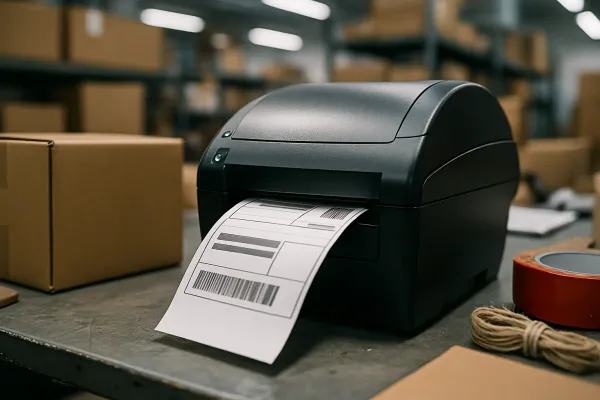
Ask five ops leads how they picked their shipping label printer and four will tell you about a demo where a rep printed one crisp barcode and everyone nodded. That is a hardware decision, not an architecture decision. On a shipper TMS running multiple carriers, the printer is the last five feet of a much longer chain that includes label format, print routing, and who gets paged when a queue backs up on a Friday afternoon. Get the architecture wrong and you replace hardware every year while the real problem sits untouched.
The stakes are higher than they used to be. U.S. parcel volumes hit 22.5 billion in 2025, up 7.3% year-over-year, via Alibaba's 2026 buying analysis. A shipping label printer setup that worked fine at 200 orders a day starts cracking at 2,000. This is a framework for the decision that actually drives your exception rate: how your TMS label printing stack handles format, failover, and total cost, not which printer wins a spec-sheet fight.
The real decision isn't the printer, it's the architecture
You have three real options, and most teams pick one by accident rather than on purpose. You can send raw ZPL straight to a network printer, run browser or cloud-print middleware between your TMS and the printer fleet, or pass through standard PDFs to whatever printer is already sitting on the desk.
ZPL, or Zebra Programming Language, is a specialized label format that allows direct printing to thermal printers without generating a PDF file. Here's the part people miss: ZPL setup is optional, since connecting a thermal printer to a computer lets you print PDF labels without any additional configuration. ZPL printing does offer significant advantages for high-volume shipping operations, and one of them matters a lot for multi-carrier shops: you can use different printers for different carriers without manually selecting which printer to use each time, according to Ship&co's printer documentation. That single feature is the difference between a packer choosing a printer from a dropdown fifty times a shift and a packer never thinking about it at all.
Six criteria, ranked by how much they actually matter
1. Format flexibility across carriers
This is the criterion that decides everything downstream. If your software normalizes ZPL, EPL, and PDF across carriers, you can mix printers by carrier without retraining anyone. If it locks you into one format, you inherit whatever that carrier's API happens to output. Watch for hardware lock-in too: many more modern printers only use ZPL, since Eltron International, the originator of EPL, was acquired by Zebra in 1998. Buying an EPL-only unit today for a "spare" is buying obsolescence.
2. Failover and redundancy
Treat a backup printer as an SLA line item, not a nice-to-have. Keep a spare printer per branch as an SLA matter, since the cost of one weekend without a printer, in lost throughput and manual workarounds, exceeds the cost of a backup unit. This principle holds just as well on a packing line as it does at a retail counter. If your failover plan is "call IT," you don't have a failover plan.
3. Calibration integrity at the carrier's sort hub, not just your station
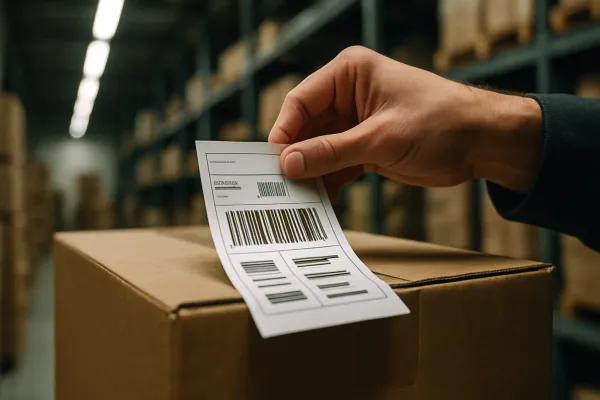
A label that looks perfect on your desk can still fail downstream. Thermal printers use a sensor to find the beginning and end of each label, detected through a gap, notch, or black mark, and if the sensor cannot detect these points, the printer may feed several blank labels, stop in the wrong place, or print across a gap. Position drift compounds this: text and barcodes may print too high, too low, or partly outside the label, and that position can move slightly with each print. A barcode that scans fine at your station but sits slightly off-register is the kind of thing that only shows up as a rejection further down the chain, once you have already handed the parcel off.
4. Connectivity topology for shared stations
Match the connection to how many people touch the printer. USB is enough for one station; Ethernet is what you want for shared packing lines, per mylabelmaker's Zebra buyer's guide. This isn't a minor detail on a shared line. Thermal printers without Ethernet in a multi-person fulfillment environment create a single point of failure, since USB-only setups mean nobody prints if the connected PC reboots.
5. True total cost of ownership, not sticker price
Run the math before you run the demo. Calculate TCO for the next 24 months including downtime labor and carrier penalties, and if it exceeds 65% of a new mid-tier printer's MSRP, an upgrade is financially justified. On the label media side, the same source is blunt about what most shippers actually need: for standard 4×6 shipping labels used within 6–12 months, direct thermal is optimal, with no ribbons, lower cost-per-label, and excellent barcode fidelity.
6. IT overhead and driver management
PDF pass-through and raw ZPL sit at opposite ends of the setup-effort spectrum. PDF printing works with any standard printer and requires no special setup, while ZPL routing on the same platform requires you to enable CUPS and configure the printer as a raw device before you're done. That's a real cost in admin hours, and it's worth pricing before you commit a whole fleet to it.
What gets overweighted (and why)
Buyers spend the most time arguing about the specs that matter least on the warehouse floor.
Print speed marketing. Manufacturers often advertise "up to 12 inches per second" print speeds, but real-world throughput depends on label size, darkness setting, connectivity latency, and host processing. Nobody's floor runs at the number on the box.
DPI overkill. 203 DPI is fine for shipping; 300 is for tiny text and dense barcodes. McAuley Labels' own testing backs this up: most shipping labels scan fine at 203 DPI, but if your labels also carry fine-print compliance text, small QR codes, or GS1-128 barcodes with tight bar widths, 300 DPI produces measurably cleaner output. Unless you're printing compliance text at 6pt, you're paying for resolution you'll never use.
Ribbon vs. no-ribbon debates. These dominate demos for no good reason. Thermal transfer uses heat plus resin-based ribbon to imprint onto synthetic or coated media, producing smudge-proof, weather-resistant labels, but for a standard parcel label that gets scanned and thrown away in a few days, that durability is wasted spend. Direct thermal is better for shipping labels because labels are scanned and discarded within days, so long-term durability doesn't matter the way it does for asset tags.
Situation-to-recommendation table
| Situation | Architecture to run | Tools that fit |
|---|---|---|
| Single-site, parcel-only, low IT support | PDF pass-through / browser print | Entry thermal printer + ShipStation, Pirate Ship, or ShippingEasy |
| Mid-size multi-carrier, no dedicated IT | Cloud-print middleware (Browser Print, QZ Tray) | Zebra mid-tier (ZD420/ZD421) + EasyPost, Shippo, Sendcloud, or ShippyPro |
| Enterprise shipper on a TMS with EDI/API carrier connections | Native ZPL routing through the TMS | Zebra fleet + Cargoson, nShift, or Descartes with print-server failover |
| High-volume 3PL or warehouse, multiple dock stations | Raw ZPL + validated print audit trail | Industrial Zebra/Godex + BarTender or NiceLabel, redundant print server |
| Multi-country EU shipper needing local carrier compliance | Region-aware label engine | Sendcloud, LetMeShip, or Cargoson with carrier-specific templates |
Cargoson sits in the same conversation as nShift, Descartes, ShippyPro, and Sendcloud here: a neutral, multi-carrier layer for shippers who need format normalization without owning a proprietary carrier network end to end.
A pre-signature checklist for TMS admins
- Test barcode scans with the actual warehouse scanner model you run, not a phone camera. What reads cleanly on a phone doesn't tell you how a fixed-mount or handheld unit will handle the same barcode after a few hundred cycles.
- Confirm calibration is re-run after every roll change, not just at install, given how easily a printer can feed several blank labels, stop in the wrong place, or print across a gap once media changes.
- Confirm the software can use different printers for different carriers without manually selecting which printer to use each time.
- Confirm a documented spare-printer SOP exists before go-live, tied to hypercare coverage, not an informal "ask Dave" arrangement.
Treat this like any other TMS config decision
Printer brand is a commodity choice. Label architecture is a workflow choice that decides how many exceptions your team fields on a bad Tuesday. Before you sign anything, pull your actual carrier mix, map which formats each one expects, run the 24-month TCO test against a mid-tier printer's MSRP, and write the failover SOP before you need it. If you can't answer "what prints where, and what happens when it doesn't" in one sentence, you're not ready to buy.