TMS Configuration Automation: The 60-Day Protocol That Eliminates 75% of Manual Processes Without Breaking Operations

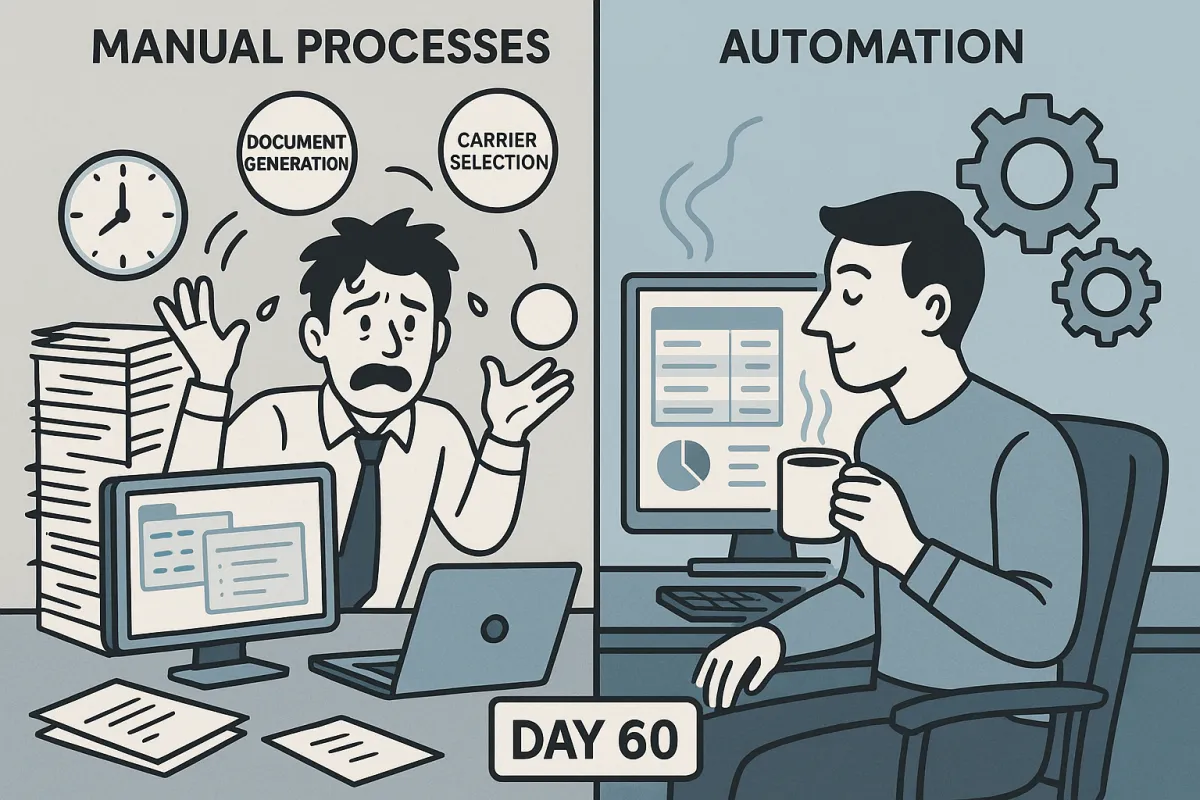
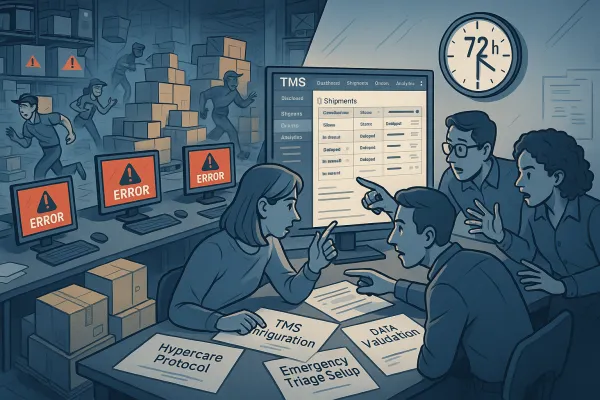
Your TMS configuration just went live two weeks ago. The team is buried under manual workarounds, carrier communications are backing up, and you're watching your 75% automation target slip away. Sound familiar?
Most TMS implementations follow the same pattern: budget constraints and cost overruns often pose a challenge, as organizations strive to keep implementation costs within acceptable limits. For instance, organizations may face unexpected costs during the implementation process, such as additional hardware requirements or customization needs. Then teams realize they need a systematic approach to separate the processes that should stay manual from those ripe for automation.
The difference between TMS success and failure isn't the platform you choose. It's whether you can eliminate 75% of manual processes without breaking operations during those first 60 days when automation decisions matter most.
The Manual Process Trap That Kills TMS ROI
Here's what happens when TMS configuration automation goes wrong: teams automate the easy stuff first (document generation, basic notifications), leave the complex decisions manual, and end up with a system that creates more work, not less.
Three implementation patterns kill automation success:
The All-or-Nothing Approach: Teams try to automate everything from day one. Result? Technical complexities. Integrating a new system into an existing IT infrastructure can cause compatibility issues, data migration problems, and software integration hiccups.
The Ad-Hoc Method: No systematic evaluation of which processes to automate first. You end up automating low-impact activities while high-volume manual tasks consume resources.
The Perfect Planning Trap: To successfully implement a TMS platform, it is ideal to start about half a year before the implementation is needed. But planning without execution means you're still running manual processes months after go-live.
Oracle TM users report complexity challenges during initial setup, while SAP TM implementations often struggle with customization requirements. Modern platforms like Cargoson, Descartes, and MercuryGate have simplified configuration workflows, but the automation decision framework remains the same regardless of platform.
The 60-Day TMS Automation Assessment Framework
The most successful TMS automation projects use a four-week assessment followed by eight-week implementation cycles. This framework balances speed with systematic evaluation, ensuring you automate the right processes in the right order.
Week 1-2: Manual Process Discovery & Documentation
Start with your highest-volume workflows, not your most complex ones. Create an inventory using this template:
- Process Name: Load tendering to preferred carriers
- Current Volume: 250 loads/week
- Manual Steps: Rate comparison (15 min), carrier selection (10 min), tender creation (8 min)
- Staff Hours Weekly: 137.5 hours
- Error Rate: 3% (carrier rejections due to capacity/timing)
- Integration Points: ERP order data, carrier APIs, rate management
Don't skip the integration assessment. During the integration process, organizations may encounter issues with data migration, where transferring large amounts of data from the old system to the new TMS can be time-consuming and prone to errors. Additionally, compatibility issues between the TMS and existing software applications may require custom development or configuration to ensure seamless functionality.
Document 15-20 core processes using this template. Focus on transportation execution (load tendering, tracking, carrier communication), operational management (route optimization, capacity planning), and administrative tasks (invoicing, documentation, reporting).
Week 3-4: Automation Feasibility Analysis
Score each process using these criteria (1-5 scale):
Technical Readiness: Are the required data integrations available? Can the TMS platform handle the workflow complexity?
Business Impact: Volume × time saved × error reduction potential. A process handling 100 shipments weekly with 30-minute manual effort scores higher than a complex process affecting 10 shipments.
Risk Level: What happens if automation fails? Load tendering automation failure means missed pickups. Document generation automation failure means delayed paperwork.
Calculate ROI using this formula: (Annual hours saved × $45 hourly rate) + (Error reduction value) - (Implementation cost + annual maintenance). Processes scoring 18+ points across all criteria become Phase 1 automation candidates.
The Progressive Automation Protocol: 4 Phases
Most teams try to automate everything simultaneously. Smart teams follow progressive automation: start with foundation processes, validate results, then expand to execution and optimization workflows.
Phase 1: Foundation Automations (Days 1-15)
Begin with document generation and basic notifications. These processes have clear inputs, predictable outputs, and low failure impact.
Bill of Lading Generation: Configure templates for standard shipment types. Set up automatic population from ERP order data. Create approval workflows for non-standard shipments requiring manual review.
Carrier Communication: Automate pickup notifications, delivery confirmations, and status updates. Use email templates with dynamic fields (pickup time, delivery address, special instructions).
Exception Flagging: Set up automatic alerts for late pickups (15+ minutes), tracking gaps (4+ hours without updates), and delivery delays (risk of missing committed delivery time).
Measure success: Document generation time should drop from 15 minutes to 2 minutes per shipment. Carrier communication response time improves from 4 hours to immediate.
Phase 2: Execution Automations (Days 16-35)
Now tackle the processes that drive operational efficiency: carrier selection, route optimization, and load tendering.
Carrier Selection Logic: Configure rules based on lane performance, capacity, rates, and service requirements. For example: "For shipments under 500 miles with standard transit time, select carriers with 95%+ on-time performance and lowest total cost including fuel surcharges."
Load Tendering Workflow: Automate tender generation for loads matching predefined criteria (weight limits, equipment type, lane coverage). Set up cascading logic: tender to primary carrier, wait 30 minutes, then secondary carrier.
Route Optimization: Configure automatic route calculation for multi-stop deliveries. Set parameters for driver hours, delivery windows, and vehicle capacity constraints.
Success metrics: Load tendering time reduces from 25 minutes to 5 minutes. Route optimization improves delivery efficiency by 15-20%.
Manual Override & Exception Handling Configuration
The hardest lesson in TMS automation: you can't automate everything, and you shouldn't try. Smart algorithms now do more than plan routes. They anticipate disruptions, suggest alternate carriers, and adjust plans automatically when variables shift. But humans still need control when exceptions occur.
Build these manual override protocols into every automated workflow:
Carrier Selection Overrides: Allow planners to select different carriers for customer requirements (preferred carrier lists, service commitments, cost targets). Log override reasons for pattern analysis.
Route Modification Access: Enable dispatchers to adjust routes for real-time conditions (traffic, weather, customer requests). Maintain audit trail of changes and impact on delivery commitments.
Emergency Escalation Workflows: Configure automatic escalation when automation fails. If load tendering receives no acceptance within 2 hours, escalate to operations manager with carrier recommendations and manual tender capabilities.
The key insight: manual overrides should be the exception, not the rule. If you're overriding automation more than 10% of the time, revisit your automation logic.
Change Management: Getting Your Team to Embrace Automation
You could roll out the most powerful, feature-rich TMS on the market, but if your team doesn't buy in, it won't deliver. People resist change, especially when they don't understand the "why" behind it, fear disruption to their job or feel excluded from the process.
Here's how to get your team on board:
Start with Champions: Identify 2-3 team members who see automation's value. Train them first, let them experience the time savings, then use them to train others.
Show, Don't Tell: Instead of explaining how automation works, demonstrate the time savings. "Watch me tender this load: 2 minutes automated versus 25 minutes manual."
Address Job Security Concerns: Be clear about what automation means for roles. "We're not eliminating positions. We're shifting from data entry to exception management and customer service."
Gradual Transition: Don't flip the switch overnight. Run automated and manual processes in parallel for 1-2 weeks, letting team members see automation results before fully committing.
Communication template: "Starting next week, we're automating load tendering for standard shipments under 500 miles. This will save each planner 3 hours daily, which we'll redirect to customer service and carrier relationship management."
Measuring Automation Success: 30-60-90 Day Metrics
Track automation success using operational metrics, not technology metrics. Focus on business outcomes: time savings, error reduction, cost control, and team productivity.
30-Day Metrics:
- Process automation rate: What percentage of eligible processes are now automated?
- Time savings per process: How much time does automation save versus manual execution?
- Error rate changes: Are automated processes more or less accurate than manual ones?
- User adoption rate: What percentage of team members are using automated workflows?
60-Day Metrics:
- Load processing efficiency: Loads per hour per team member
- Carrier response times: How quickly do carriers respond to automated tenders versus manual ones?
- Exception handling volume: Are you creating more exceptions that require manual intervention?
- Cost per shipment: Include labor costs, not just transportation rates
90-Day Metrics:
- Customer satisfaction scores: Are deliveries more reliable with automated processes?
- Employee satisfaction: Are team members happier with less manual work?
- Total cost of ownership: Implementation costs versus operational savings
- Process scalability: Can you handle 25% more volume with the same team?
Dashboard template: Track daily automation rates (% of loads processed automatically), weekly time savings (hours saved per team member), and monthly error rates (automated vs. manual process accuracy).
Common Configuration Pitfalls & Recovery Protocols
Even the best automation plans face implementation challenges. Here are the most common problems and how to fix them quickly:
Integration Failures: OTM can be challenging to integrate with other enterprise systems due to its complex data structure and proprietary APIs. When carrier APIs fail or ERP connections drop, have backup manual processes ready. Don't let integration problems stop operations.
Automation Logic Errors: Your carrier selection rules are too restrictive, resulting in no available carriers for certain loads. Build fallback logic: if primary rules return no results, expand search criteria (longer transit time, higher rate tolerance).
User Adoption Resistance: Change is often met with resistance, and TMS implementation is no exception. Some employees may be hesitant to embrace new technologies, workflows, and processes. Recovery strategy: identify the specific concern (job security, system complexity, workload increase) and address it directly with training, reassurance, or process modification.
Performance Degradation: Automated processes are slower than manual ones during peak periods. Check system resource allocation, database performance, and API response times. Sometimes automation needs infrastructure upgrades to deliver promised speed improvements.
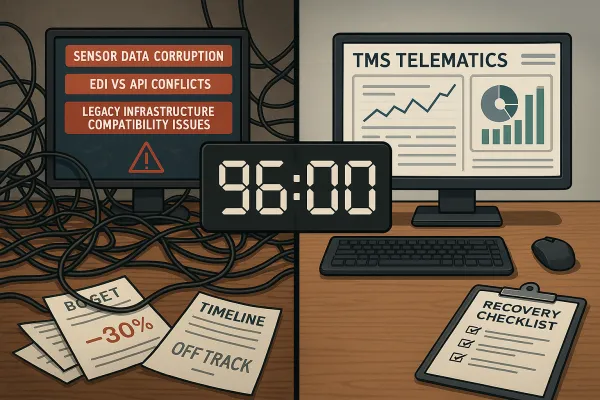
Recovery protocol: When automation fails, immediately fall back to manual processes, document the failure mode, and fix the underlying issue before re-enabling automation. Never let a broken automated process disrupt operations.
Platform-specific gotchas: Oracle TM users should watch for workflow complexity creating performance bottlenecks. SAP TM implementations need careful attention to master data configuration. Cloud platforms like Cargoson and Manhattan Active typically have fewer customization challenges but require careful integration testing.
Your 60-day window for TMS automation decisions closes fast. Start with foundation processes, validate results, then expand systematically. The teams that master this progression deliver the 75% automation target that transforms operations from reactive to strategic.