TMS Data Bottlenecks: The 72-Hour Configuration Framework That Eliminates 70% of Operational Failures

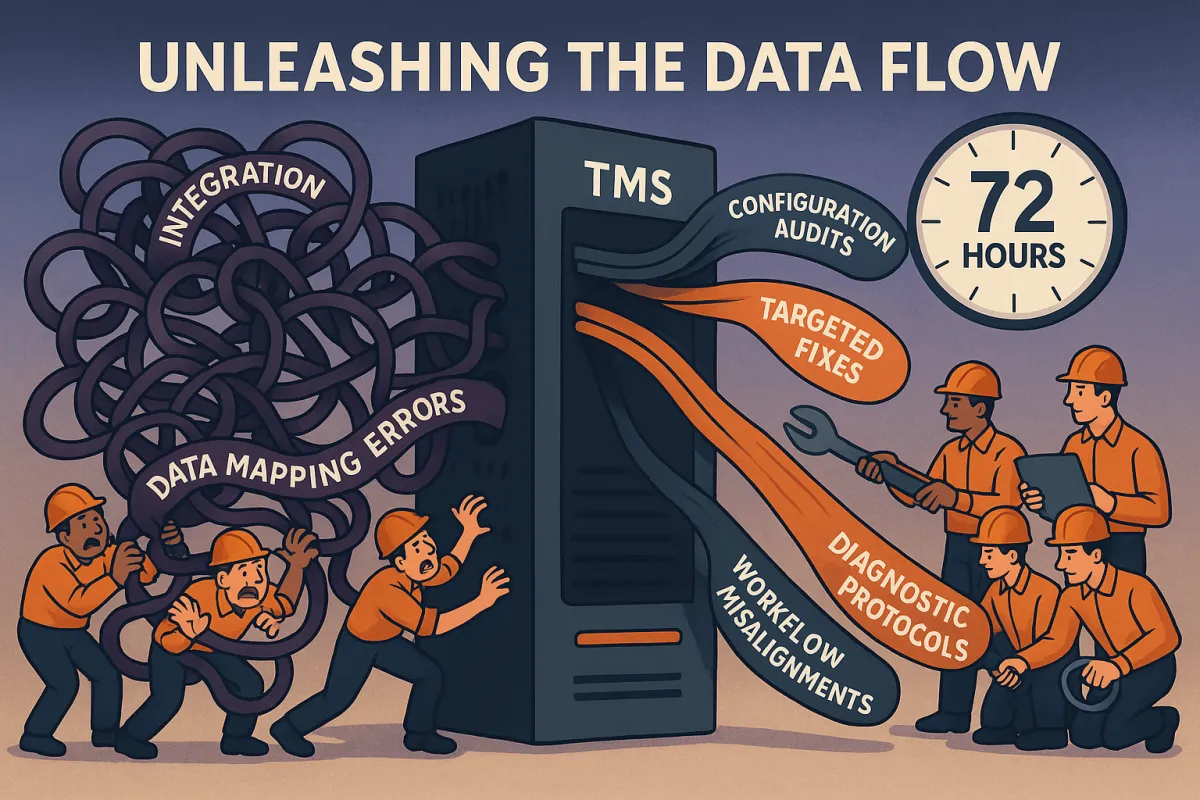
Your TMS configuration bottlenecks are costing you more than failed shipments. When data flows break down, 70% of your day-2 operational failures trace back to three systematic issues: integration conflicts, data mapping errors, and workflow misalignments. Most teams spend months firefighting symptoms while the root cause sits in configuration settings you can fix in 72 hours.
The average manufacturer handles 100-200 trading partners with 400-500 EDI maps. When one system change ripples through your TMS, those connections become failure points that cascade into operational chaos. You know this pain - labels won't print, rates won't pull, and your team reverts to spreadsheets while you troubleshoot.
The Hidden Cost of TMS Data Bottlenecks
Data bottlenecks create operational failures that perform worse than manual processes. Your TMS investment becomes a liability when information can't flow between systems, carriers, and users.
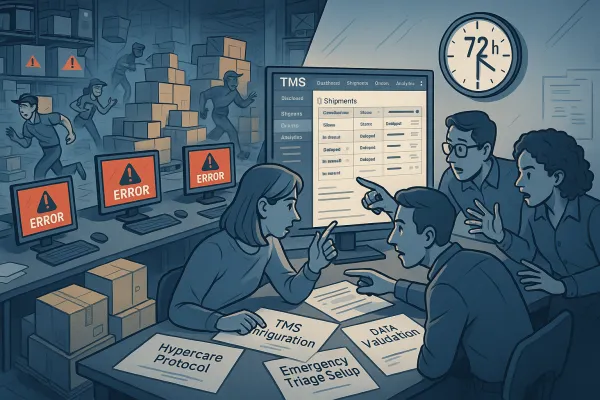
Consider what happens during a typical bottleneck cascade: API endpoints change without notice, breaking your rate shopping integration. Your team manually enters rates for same-day shipments. Exception handling workflows fail because automated alerts can't access updated carrier data. Customer service calls spike as tracking information stops updating.
The financial impact compounds quickly. Implementation mistakes can cost companies 20-30% of their initial TMS investment in recovery efforts, extended timelines, and operational workarounds. Your data silos undermine the entire value proposition of centralized transportation management.
These failures aren't random system glitches. They follow predictable patterns that configuration audits can identify and targeted fixes can resolve.
The 5 Critical Bottleneck Categories That Kill TMS Performance
TMS operational failures cluster around five systematic bottleneck categories. Each creates specific failure patterns you can trace through diagnostic protocols.
Integration Layer Bottlenecks
Protocol conflicts between EDI and API connections create the most persistent bottlenecks. Legacy EDI connections rely on FTP or AS2 protocols that become unstable when companies implement new systems. Your established trading partner connections break when internal infrastructure changes.
The challenge intensifies as platforms shift integration strategies. Roughly 25% of EDI connections have been replaced with APIs since 2020, but legacy applications still handle the majority of partner connections. When you need to repoint BI tools, update ETL jobs, or modify API endpoints after system changes, the mixed protocol environment amplifies configuration conflicts.
Modern TMS solutions handle these transitions differently. Platforms like MercuryGate, Descartes, Cargoson, and BluJay offer varying approaches to protocol management and integration flexibility during transition periods.
Data Flow Mapping Failures
Master data ownership conflicts create bottlenecks when multiple systems claim authority over the same information. Your product catalog updates in the ERP, but shipping dimensions remain static in the TMS. Rate changes in your carrier portal don't propagate to shipment cost calculations.
These mapping failures cascade through dependent processes. Customs documentation pulls outdated product classifications. Damage claims reference incorrect item values. Returns processing fails because original shipment data doesn't match current product attributes.
Data governance becomes the foundation for resolving these conflicts. You need clear ownership definitions, update protocols, and validation checkpoints between systems.
The 72-Hour Diagnostic Protocol
Systematic bottleneck identification requires structured diagnostic phases that isolate root causes from operational symptoms.
Hour 0-24: System Health Audit
Map your data flow architecture from source systems through transformations to end-user interfaces. Document every integration point, API endpoint, and file transfer process. Identify which systems own master data for products, customers, carriers, and locations.
Run connection tests for all active integrations. Check API response times, EDI transmission logs, and database synchronization timestamps. Flag any processes taking longer than baseline performance metrics.
Hour 24-48: Integration Point Testing
Test each integration under load conditions that simulate peak operational periods. Send test transactions through your rate shopping APIs during high-volume timeframes. Process sample EDI files through your carrier connections using realistic data volumes.
Monitor system resource consumption during testing. CPU spikes, memory usage patterns, and network latency measurements reveal bottlenecks that only appear under operational stress.
Hour 48-72: Configuration Optimization
Apply targeted configuration fixes based on diagnostic findings. Adjust timeout settings for slow API responses. Optimize database queries that process large shipment datasets. Reconfigure integration schedules to distribute processing load across off-peak hours.
Validate each configuration change through controlled testing before applying to production systems. Document performance improvements with specific metrics that demonstrate bottleneck elimination.
Configuration Fixes That Deliver Immediate Results
Tactical configuration changes address specific bottleneck categories with measurable performance improvements.
For integration conflicts, establish connection pooling for high-frequency API calls. Configure retry logic with exponential backoff for temporary service interruptions. Set up monitoring alerts for integration failures that trigger automatic failover to backup connections.
Data migration risks require complete data lineage mapping from source systems through transformations. Build governance frameworks with designated data stewards who maintain consistency across integrated systems. Implement validation rules that prevent conflicting data from propagating through your TMS workflows.
Modern TMS platforms offer different approaches to these configuration challenges. nShift focuses on carrier integration management, while Cargoson emphasizes workflow automation, and MercuryGate provides extensive customization options for complex integration scenarios.
Performance monitoring configurations should include real-time dashboards that track integration health, data synchronization status, and user experience metrics. Set automated alerts for threshold violations that indicate developing bottlenecks.
Workflow Optimization Framework
Process changes prevent bottleneck recurrence by addressing operational patterns that create data flow interruptions.
Establish standard operating procedures for data flow monitoring that include daily health checks, weekly trend analysis, and monthly optimization reviews. Your team needs clear escalation protocols when performance metrics indicate developing bottlenecks.
Exception handling workflows should automatically route failed processes to manual queues with sufficient context for rapid resolution. Include original transaction data, error messages, and suggested correction steps to minimize research time.
User training programs must address common configuration mistakes that create operational bottlenecks. Focus on proper master data entry, integration troubleshooting steps, and performance monitoring interpretation.
Prevention Protocol: The 30-60-90 Monitoring Strategy
Proactive monitoring cycles identify bottleneck patterns before they impact operations.
30-Day Critical Path Monitoring
Track performance metrics for your most frequent operational processes. Monitor label generation times, rate calculation speeds, and tracking update frequencies. Establish baseline performance ranges that trigger alerts when exceeded.
60-Day Performance Trend Analysis
Analyze performance trends across seasonal shipping patterns, carrier service changes, and system usage growth. Identify degradation patterns that indicate developing bottlenecks requiring proactive configuration adjustments.
90-Day Optimization Review Cycle
Conduct comprehensive reviews of configuration changes, integration modifications, and workflow adjustments implemented during the previous quarter. Measure cumulative performance improvements and plan next-phase optimization priorities.
Common TMS migration challenges include insufficient testing of data flows and integration points. Your monitoring strategy should include pre-migration baseline establishment and post-migration performance validation.
Measuring Success: KPIs That Matter
Quantifiable metrics demonstrate bottleneck elimination effectiveness and guide ongoing optimization efforts.
Processing time improvements provide the most direct performance indicators. Measure label generation from order entry to print queue completion. Track rate shopping response times from carrier API calls to selection confirmation. Monitor shipment status updates from carrier notifications to customer visibility.
Error rate reduction metrics should include integration failure frequencies, data validation rejections, and manual intervention requirements. Calculate the percentage reduction in operational exceptions requiring manual resolution.
User satisfaction scores reflect the operational impact of bottleneck elimination. Survey your team on system responsiveness, workflow efficiency, and confidence in automated processes. Track training time requirements for new users as system complexity decreases.
ROI calculations should include reduced manual processing costs, decreased system downtime impact, and improved operational capacity without additional staffing. Quantify the value of eliminating workarounds and emergency fixes that consume operational resources.
Your 72-hour framework provides the foundation for systematic TMS configuration bottleneck elimination. Start with the diagnostic protocol to identify your specific bottleneck patterns, then apply targeted configuration fixes that address root causes rather than symptoms. Implement monitoring strategies that prevent recurrence and measure success through operational metrics that matter to your business.