TMS Real-Time Visibility Failures: The 48-Hour Recovery Protocol That Prevents Operational Blind Spots

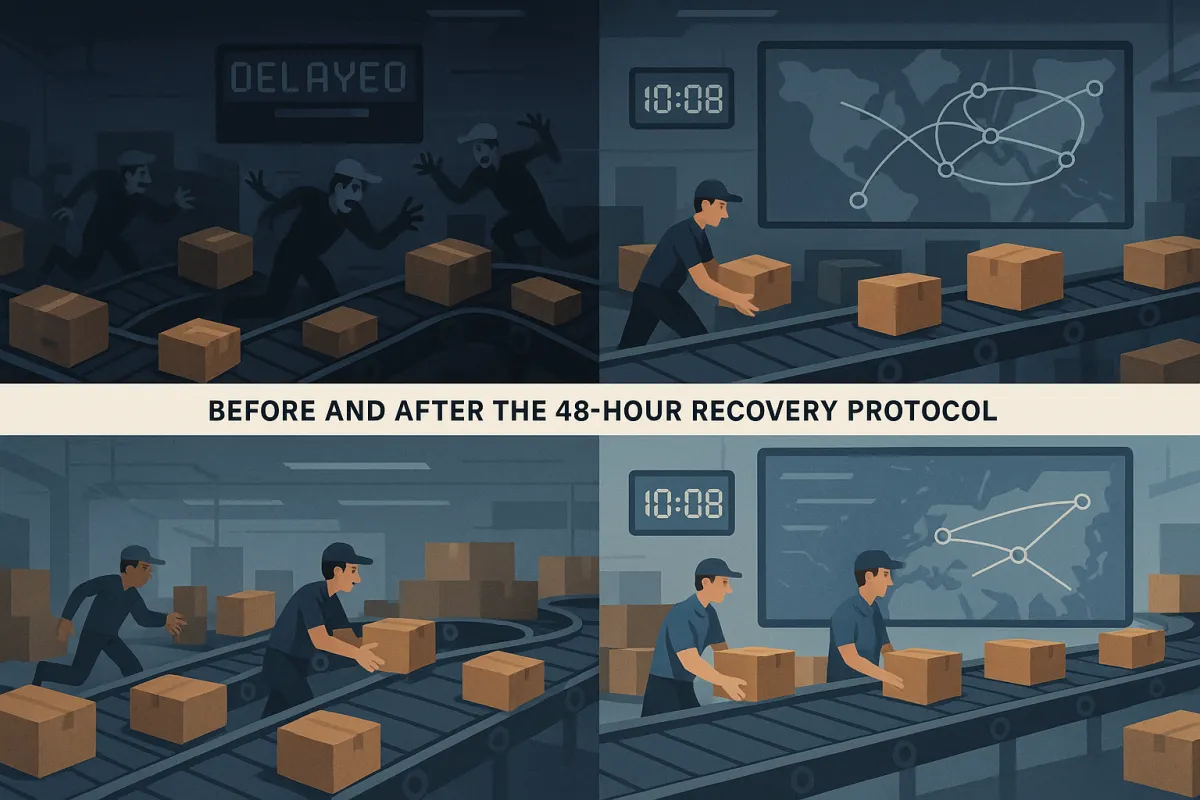
Your TMS promised real-time visibility across all shipments. Three months post-implementation, you're still discovering missed exceptions hours after they occur, carriers are reporting delivery delays you never saw coming, and your operations team is back to making frantic phone calls to track down shipments. You're not alone in this frustration.
Over 50% of companies lack end-to-end supply chain visibility, forcing them into reactive operational modes despite significant TMS investments. Most platforms promise real-time data streams but deliver something closer to "eventually visible" through batch processing that updates hourly or overnight.
Here's a 48-hour recovery protocol I've used with manufacturing and packaging teams to diagnose TMS real-time visibility failures and restore operational control. This framework addresses the three most common failure points: data flow breakdowns, integration architecture gaps, and alert system delays.
The Reality Behind "Real-Time" Visibility Promises
Most TMS platforms pull carrier data in chunks rather than streaming it live. Your system might show "real-time updates" on the dashboard, but those updates happen every four hours, overnight, or worse - only when manually refreshed. Meanwhile, a shipment sits delayed at a warehouse for six hours before anyone notices.
Legacy carrier integrations compound this problem. FedEx has one portal, UPS another, your regional LTL carriers require manual check-ins, and your ERP system pulls its own separate data feeds. Each system operates on different refresh cycles, creating information silos where critical exceptions get lost.
I've seen operations teams discover container delays three days after customs clearance issues started, simply because their TMS batch processing only updated international tracking overnight. The shipment sat in limbo while customers called asking about delivery dates.
The Three Critical Failure Points
Batch processing creates operational blind spots when updates happen hourly instead of immediately. You think you have visibility until a high-priority customer shipment goes missing and you discover your "real-time" system last updated six hours ago.
Delayed exception alerts kill response time. When a truck breaks down at 2 PM and your first notification arrives at 8 PM, meaningful intervention becomes impossible. The customer was already calling your service desk before you knew there was a problem.
Patchwork systems trap critical information in separate platforms. Your carrier management sits in one tool, dock scheduling in another, and inventory allocation in your ERP. Each system holds pieces of the shipment story, but none provides the complete operational picture you need for quick decisions.
The 48-Hour Diagnostic Framework
Hour 1-4: Data Flow Triage
Start with your most critical shipment routes and identify exactly where real-time data streams break down. Pull your TMS logs for the past 48 hours and map when each carrier integration last received updates.
Run this diagnostic SQL query on your TMS database to identify stale tracking data:
SELECT carrier_name, COUNT(*) as stale_shipments FROM shipment_tracking WHERE last_update < NOW() - INTERVAL 4 HOUR AND status != 'DELIVERED' GROUP BY carrier_name ORDER BY stale_shipments DESC;
Check your API connection health for each carrier. Most TMS platforms track API response times and error rates, but you need to dig into the specifics. FedEx might be returning data every 15 minutes while your UPS integration failed three hours ago due to credential expiration.
Document every system that should be feeding your TMS with shipment updates. You'll likely find more data sources than expected - EDI feeds, email parsing, manual uploads, and webhook integrations all contribute to your visibility picture.
Hour 5-12: Integration Architecture Review
Map your current carrier API connections and identify which ones actually provide real-time updates versus batch processing. Real-time visibility requires proper integration architecture, not just API connections.
Check webhook configurations for each carrier integration. Many TMS teams set up webhooks but never validate they're receiving the expected event types. Your system might catch pickup confirmations but miss exception notifications entirely.
Review your data validation rules. I've seen teams receive real-time updates that fail validation checks and get discarded silently. Shipments appear stuck in "In Transit" status while actual delivery confirmations sit in error queues.
Test your failover procedures. When primary carrier APIs go down, does your system switch to alternative data sources, or do you lose visibility completely? Most teams discover their backup systems during outages, not during planned testing.
Hour 13-24: Alert System Recalibration
Audit your current exception alert configuration. Many TMS platforms default to conservative settings that prioritize reducing noise over timely notifications. You might have alerts set for delays over four hours when you need them at 30 minutes for critical shipments.
Create shipment priority tiers with different alert thresholds. Your just-in-time manufacturing components need immediate exception alerts, while standard replenishment shipments can tolerate longer notification windows.
Set up escalation matrices that match your operational capacity. Alerts at 3 AM should go to your overnight coordinator, not the daytime operations manager. Weekend exceptions need different routing than weekday issues.
Test your alert delivery mechanisms. Email notifications get lost in busy inboxes. SMS alerts work better for immediate issues, while dashboard notifications suit ongoing monitoring.
Recovery Actions That Actually Work
Immediate Fixes (24-48 Hours)
Switch your most critical carriers to direct API polling if webhook delivery proves unreliable. Many teams avoid polling due to rate limiting concerns, but five-minute polling intervals provide better visibility than broken webhook integrations.
Implement data validation bypass rules for emergency situations. When your normal validation catches legitimate updates as errors, create temporary rules that allow suspect data through while flagging it for manual review.
Configure backup data sources for your top carriers. If FedEx APIs fail, set up automated email parsing or EDI fallbacks. Solutions like Cargoson, Project44, and Fourkites offer multi-carrier visibility platforms that can serve as backup data sources when direct integrations fail.
Create manual override procedures for critical shipments. Your team needs the ability to update shipment status manually when automated systems fail, with clear audit trails for later analysis.
Long-term Prevention Protocol
Replace batch processing with event-driven architecture where possible. Modern TMS platforms from Oracle TM, SAP TM, and Cargoson support real-time event streaming, but many implementations fall back to batch processing due to integration complexity.
Implement comprehensive API monitoring with automated failover. Advanced TMS platforms leverage machine learning algorithms to process vast amounts of data in real-time, enabling root cause analysis that uncovers gaps in transport operations before they become customer-facing issues.
Set up data quality dashboards that track integration health metrics. Monitor API response times, error rates, and data freshness across all carrier connections. When FedEx response times spike above normal ranges, you'll know to investigate before exceptions pile up.
Create automated data validation reports that identify patterns in failed updates. If UPS tracking consistently fails for certain service types, you can proactively address the integration issue instead of discovering it through customer complaints.
Build redundant visibility through multiple data sources. Combine direct carrier APIs with third-party visibility providers like nShift, Transporeon, and Alpega to create backup data streams when primary integrations fail.
Documentation and Handoff Checklist
Document your recovery process with specific runbooks for each failure scenario. Include carrier contact information, API troubleshooting steps, and escalation procedures that work during nights and weekends.
Create configuration backup procedures for all integration settings. When you need to rebuild carrier connections quickly, having documented API keys, webhook URLs, and validation rules saves hours of reconstruction time.
Establish regular testing schedules for your backup systems. Monthly tests of failover procedures prevent surprises during actual outages. Include your overnight and weekend staff in these tests since real failures don't respect business hours.
Build knowledge transfer documentation that covers both technical configuration and operational procedures. Your TMS implementation success depends on proper handoff procedures between technical teams and daily operations staff.
Track your visibility performance metrics over time. Measure the time between actual shipment events and when they appear in your TMS. Set targets for different shipment types and carrier relationships, then monitor compliance monthly.
The next time your "real-time" visibility fails, you'll have a proven diagnostic framework to identify root causes quickly and restore operational control within 48 hours. Start with data flow triage, review your integration architecture, then recalibrate your alert systems before implementing lasting fixes.