TMS Real-Time Visibility Setup: The 72-Hour Configuration Protocol That Eliminates Data Blind Spots

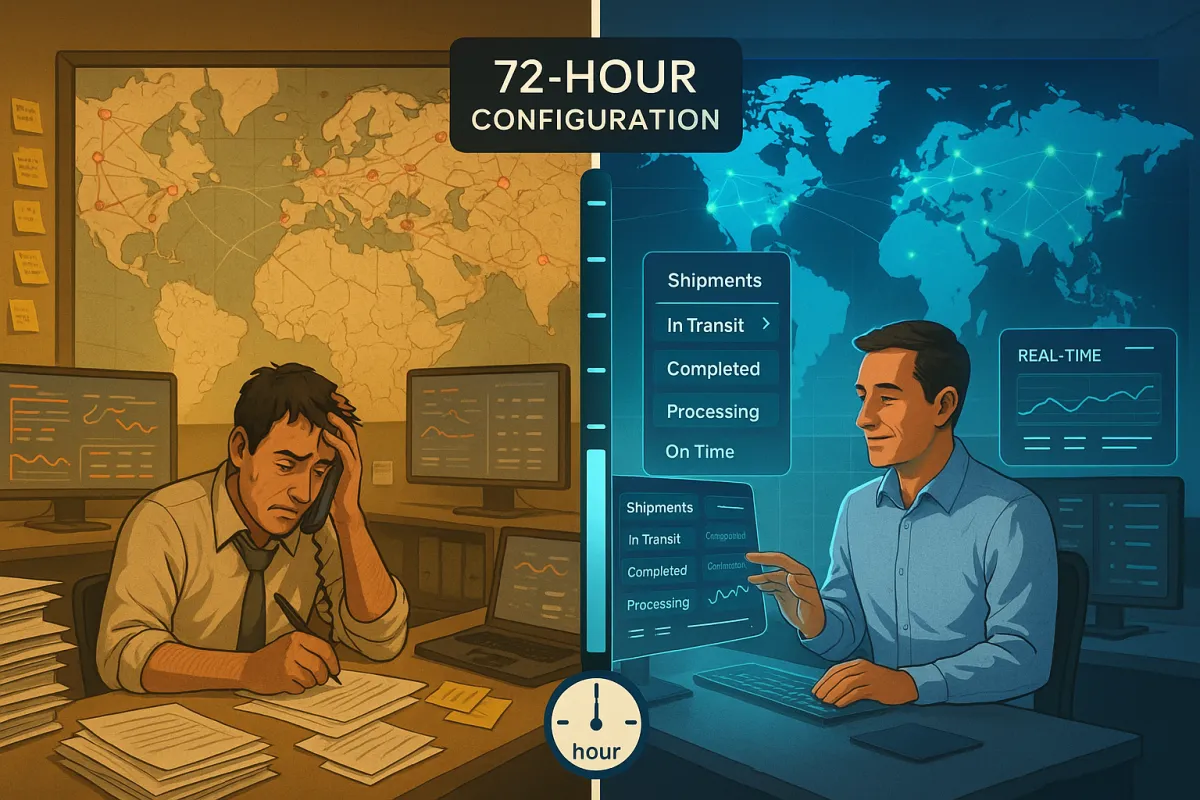
Your TMS visibility goes live at 8 AM Monday. By noon Tuesday, you're fielding calls from customers asking where their orders are. Nearly 30% of shippers say the most significant threat to their supply chains are geopolitical, economic and physical disruptions, yet most teams can't see the actual status of shipments in transit.
The problem isn't your TMS platform—Cargoson, Descartes, Blue Yonder, and MercuryGate all promise real-time visibility. The problem is configuration. Delays in updating master databases can sometimes occur. Additionally, the information can be outdated. Depending on the circumstances, this would be detrimental in a situation where data really should be updated immediately.
Most TMS implementations deliver "eventually visible" results because they rely on batch processing remnants from older architectures. Batch processing has a much higher latency as outputs could take minutes to days depending on the data batch cycle, whereas data processing in real-time takes milliseconds. This 72-hour protocol eliminates those data blind spots by configuring true real-time feeds from day one.
The Real-Time Visibility Gap Most TMS Teams Face
Walk into any operations center and you'll see the same scene: someone refreshing carrier portals, calling for shipment updates, or explaining to sales why the "real-time" TMS shows a package delivered yesterday when the customer just called saying it's not there.
Another challenge with separate TMS and visibility solutions occurs when a carrier sends a status message which will cause the visibility provider to update within its system, but the TMS may not have the capability to apply that status at the correct level of detail, resulting in conflicting information between the TMS and visibility solutions. This creates a domino effect: outdated status updates, alert fatigue from false alarms, and operations teams who stop trusting the system entirely.
The business impact hits immediately. Batch processing does not provide immediate results, limiting the ability to respond quickly to changing business conditions or data events. While you're waiting for the nightly batch update to confirm a delay, your customer is already calling their backup supplier.
Common visibility failures include carrier handoff blind spots where tracking stops when shipments transfer between carriers, batch processing delays that create 4-24 hour data gaps, and alert overload from systems that can't differentiate between critical delays and routine status updates. Challenges arise in onboarding current carriers, potentially leading to misleading insights and incomplete traceability.
Phase 1: Data Architecture Foundation (Hours 0-24)
Start with an audit of your current data architecture. Most TMS implementations inherit batch processing workflows from legacy systems, even when the platform supports real-time updates. Log into your TMS and check the data refresh intervals for carrier connections. If you see updates every 4-6 hours, you've found your first fix.
Configure API connections over EDI wherever possible. Custom APIs (Application Programming Interfaces) make it quick and easy to connect shipper and carrier systems with a RTTV platform, allowing data to exchange freely in both directions, in real-time. EDI updates typically run in batch cycles, while APIs can push status changes immediately.
Here's your data validation checklist: Set up carrier status code mapping to standardized events (picked up, in transit, delivered, exception). Configure data quality checks that flag missing tracking numbers or impossible transit times. Establish fallback mechanisms when primary data feeds fail. Most platforms default to accepting any carrier status update, but you want validation rules that catch obvious errors before they corrupt your visibility.
RTTV bridges the gap between the core functionalities of a TMS, which are largely focused on pre and post shipment activities, with data derived from transport execution itself. Your TMS needs to distinguish between planning data (estimated pickup time) and execution data (actual pickup confirmation) to avoid showing customers delivery promises based on outdated estimates.
Phase 2: Carrier Network Integration Setup (Hours 24-48)
Map carrier status codes to your standardized event framework. UPS calls it "In Transit," FedEx says "On the Way," but your customers see both as "Shipped." Create a master status taxonomy that translates all carrier-specific codes into consistent language.
Configure multi-modal tracking workflows for FTL, LTL, ocean, and air shipments. Ocean freight needs container-level visibility while LTL requires shipment-level tracking. Visibility solutions usually track container/load levels while a TMS typically provides status updates on shipment level, which could create discrepancies in status between the systems. Set your tracking granularity to match the shipment type.
Set up fallback tracking for non-integrated carriers using visibility providers like Shippeo or Project44. One of the biggest challenges in being successful with real-time transportation visibility platforms is carrier onboarding. Project44 not only has one of the largest carrier onboarding, minimizing the need to onboard as many carriers. But they also offer a guarantee because of how streamlined the process is. Configure these as secondary data sources with clear hierarchy rules.
Test carrier communication protocols before going live. Send test shipments through each major carrier and verify that status updates flow into your TMS within 15 minutes of the actual event. Document any delays or missing status types for follow-up configuration.
Handling Carrier Handoffs and Third-Party Visibility
Carrier handoffs kill visibility more than any other factor. When a package moves from UPS to USPS for final delivery, or from a 3PL to the final mile carrier, tracking often goes dark.
Configure tracking continuity by setting up master shipment records that persist across carriers. When Carrier A delivers to Carrier B's facility, your system should automatically request the new tracking number and continue monitoring. This requires API integration with your 3PLs, not just the primary carriers.
Address the "last mile" visibility gap by integrating with specialized providers. Many major platforms including Manhattan Active, Oracle TM, and SAP TM now offer pre-built connectors to last-mile visibility networks. Enable these connections and set up alert triggers for when shipments enter final delivery zones.
Phase 3: Alert Configuration and Exception Management (Hours 48-72)
Design role-based alert hierarchies that send the right information to the right people. Operations needs to know about pickup delays immediately. Sales needs delivery exceptions that affect customer promises. Management needs summary reports of chronic carrier performance issues.
Configure intelligent filtering to reduce noise. Navisphere allows you to configure real-time status alerts based on product, line of business, channel, value, and many other filters that our customers can enable. Set alert thresholds based on shipment value, customer tier, and delivery commitment type. A high-value rush order triggers different alerts than routine inventory replenishment.
Set up predictive delay notifications using your TMS analytics engine. Platforms enhanced with AI and ML showcase impressive KPIs, achieving a 99.99% accuracy in delivery ETA. Configure alerts that fire when current transit time exceeds the historical average by more than 20%, not just when carriers report delays.
Create escalation workflows for critical exceptions. When a delay affects multiple customer orders or disrupts production schedules, automate notifications to supervisors and trigger alternative sourcing workflows. Document these escalation triggers clearly—you want consistent responses, not ad-hoc decisions.
Testing Real-World Scenarios
Test multi-stop orders where visibility needs to track through multiple pickup and delivery points. Configure your system to show progress at each stop, not just origin and final destination. Test returns processing to ensure reverse logistics maintain the same visibility standards as outbound shipments.
Test restricted delivery windows like residential appointments or construction site access times. Your alerts should differentiate between standard transit delays and appointment-specific scheduling issues. Test intermodal shipments that combine truck, rail, and ocean transport to verify handoff tracking works across all modes.
Document all configuration decisions for future reference. When you add new carriers or modify alert thresholds, you'll need this baseline to understand what changed and why.
Common Configuration Pitfalls and Recovery Protocols
Batch processing remnants kill real-time updates faster than any other configuration error. Check your data sync schedules—if anything updates less frequently than every 30 minutes, investigate whether real-time options are available. Most platforms default to batch schedules for backward compatibility.
Status level mismatches create confusion when container status doesn't match shipment status. A container might be "delivered" to a distribution center while the shipment status should be "in transit" to the final customer. Configure status inheritance rules that cascade appropriately through your shipment hierarchy.
Integration authentication failures happen when API keys expire or webhook URLs change. Set up monitoring alerts that notify your admin team when data feeds go silent for more than 2 hours. Platforms like Transporeon, nShift, and Cargoson offer different approaches to authentication management—document your approach for troubleshooting.
During the integration process, organizations may encounter issues with data migration, where transferring large amounts of data from the old system to the new TMS can be time-consuming and prone to errors. Additionally, compatibility issues between the TMS and existing software applications may require custom development or configuration to ensure seamless functionality.
Day-2 Monitoring and Optimization Checklist
Track these KPIs to measure real-time visibility performance: Data freshness (average age of the most recent status update), carrier coverage (percentage of shipments with real-time tracking), and alert accuracy (percentage of alerts that require action versus false positives).
When a dedicated team of supply chain experts combines with advanced TMS technology, the result is 24/7 visibility over shipments and carriers. A managed TMS service enables real-time, in-transit shipment tracking, as well as during pre- and post-shipment workflows. Monitor system performance during peak shipping periods to identify bottlenecks before they affect visibility.
Schedule monthly configuration reviews to optimize carrier onboarding and performance tuning. New carriers need integration testing, while existing carriers might need status code updates or API endpoint changes. Competitive platforms like FreightPOP, Shippo, and EasyPost offer different carrier onboarding experiences—document what works best for your team.
Plan for scale by monitoring API call volumes and webhook processing capacity. As shipment volumes grow, you'll need to optimize data flows to maintain real-time performance. Set up capacity alerts before you hit platform limits.
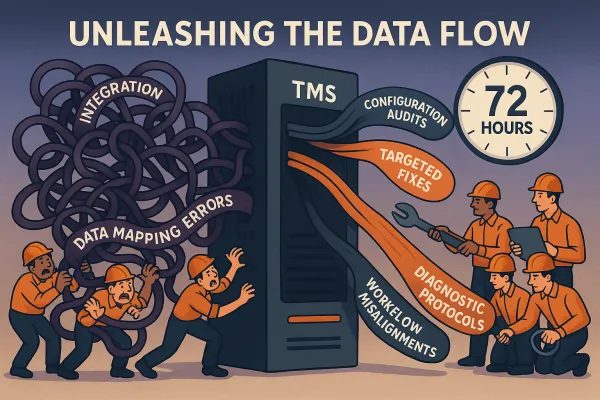
The 72-hour protocol eliminates data blind spots by establishing real-time feeds, proper alert hierarchies, and monitoring workflows that actually work. Your customers will notice the difference immediately—no more "where's my order" calls, no more explaining why the system shows outdated information. Start with Phase 1 data architecture, then move systematically through carrier integration and alert configuration. In three days, you'll have the TMS real-time visibility setup that most teams wish they had implemented from the beginning.