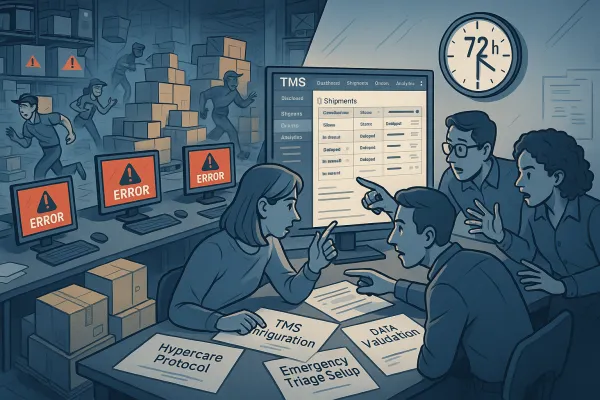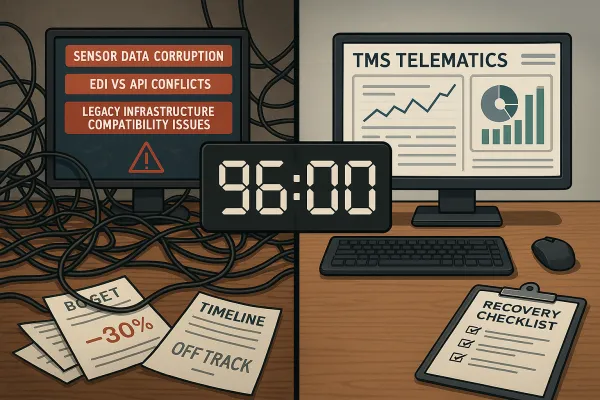
TMS Workflow Automation Configuration: The 90-Day Setup Framework That Prevents 80% of Business Logic Failures

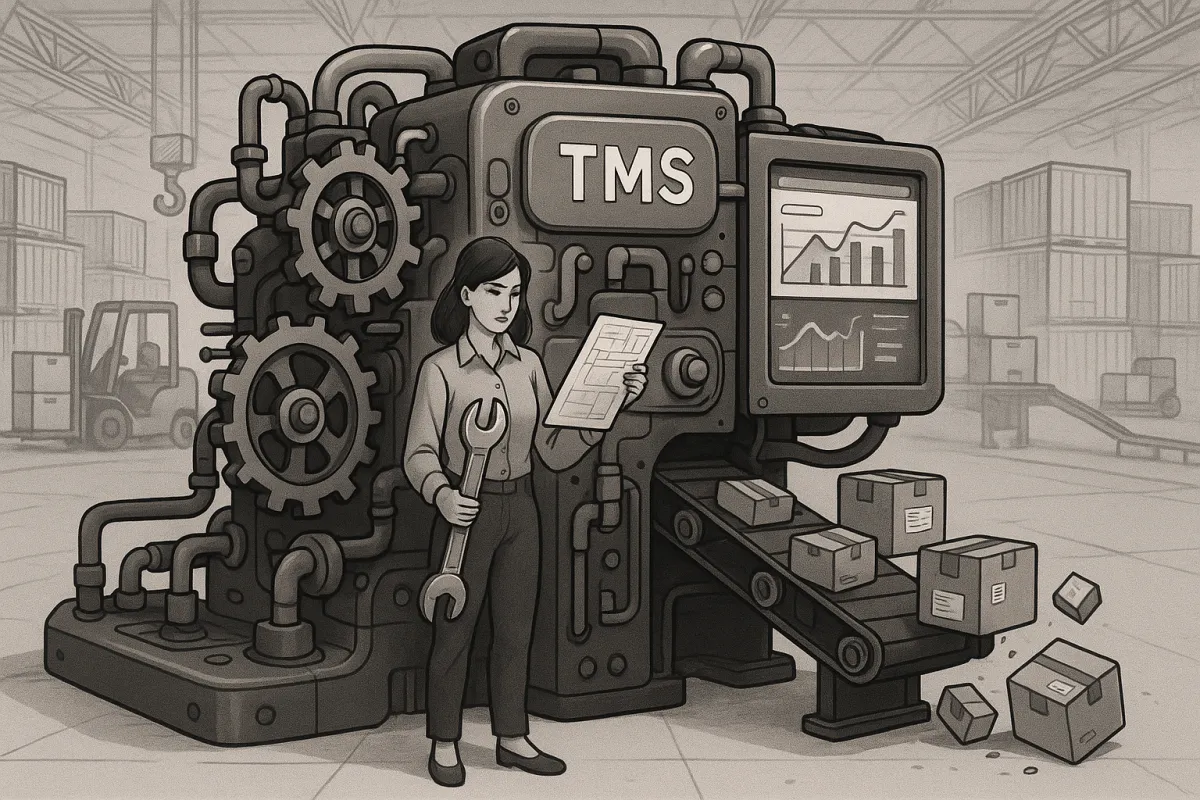
Your TMS workflow automation has more potential to fail in the first 90 days than any other critical period. Only 26% of organizations report being ready for automation implementation, yet 91% plan to expand automation investments. The difference between those who succeed and those who struggle? A systematic approach to configuring business logic that prevents the most common operational disasters.
Most teams focus on getting their TMS "up and running" without properly configuring the automated workflows that will handle 80% of their daily operations. More than 50% of TMS adopters see positive ROI within 18 months, but that leaves a substantial portion wrestling with disappointing results. The companies that hit their automation targets understand something most miss: the configuration work you do in the first 90 days determines whether your TMS becomes a productivity engine or an expensive source of daily frustrations.
The Critical 90-Day Configuration Window
Your automation success gets decided in three distinct phases, each with specific workflow rules that must be configured correctly. TMS implementation typically takes 4 to 12 weeks, depending on fleet size, data complexity, and integration needs. During this window, you'll either build automated workflows that scale with your business or create rigid processes that break under real-world pressure.
Here's what makes the 90-day window so critical: 54% of organizations face challenges mapping complex processes, 39% struggle with integrations, and 37% encounter implementation costs exceeding expectations. These aren't random technical problems. They're predictable configuration failures that happen when teams rush through workflow setup without understanding how automated business logic actually works.
The three-phase approach prevents these failures by addressing configuration complexity in manageable stages. Phase 1 gets your core business rules working reliably. Phase 2 builds intelligent exception handling. Phase 3 adds advanced orchestration that adapts to changing conditions. Miss any phase, and you'll spend months fixing workflow problems that could have been prevented with proper initial configuration.
Phase 1: Core Business Rules Setup (Days 1-30)
Start with the business logic that handles 70% of your daily shipments. These aren't complex decisions - they're the repetitive routing, carrier selection, and order processing rules that eat up your team's time when done manually. Your TMS should match how you actually work, not force you into rigid vendor-designed processes.
Configure order processing automation first. Set up rules that automatically classify shipments by priority, destination zones, and special handling requirements. For example: standard orders under 500 lbs going to Zone A get assigned to preferred carrier X within 15 minutes of entry. Rush orders trigger immediate notifications and get priority carrier access. These basic automation rules eliminate the constant "what do I do with this order?" decisions that slow down operations.
Delay detection requires specific thresholds by shipment type. When systems can't communicate effectively, the result is fragmented operations that often perform worse than manual processes. Configure urgent shipments for 10-minute delay alerts, standard freight for 30-minute alerts, and bulk shipments for 60-minute alerts. These automated triggers prevent small delays from becoming customer service disasters.
Your carrier assignment logic needs decision trees that consider capacity, cost, and performance history simultaneously. Don't just assign based on lowest cost - factor in on-time performance, damage rates, and current capacity availability. Modern TMS platforms like Cargoson, along with solutions from nShift, FreightPOP, and Descartes, can handle these multi-variable assignment rules automatically once properly configured.
Phase 2: Exception Handling and Alert Configuration (Days 31-60)
Automated systems fail when they can't handle exceptions intelligently. How an organization responds to failures helps determine how effective the new TMS becomes. Configure your exception handling to catch problems before they impact customers, not after complaints start coming in.
Set up automated Hours of Service monitoring that reassigns shipments before driver violations occur. When a driver approaches HOS limits, the system should automatically identify backup drivers or alternative routing options. This prevents last-minute scrambling and keeps shipments moving smoothly.
Webhook failure protocols need automatic retry logic and escalation paths. Configure your system to attempt webhook delivery three times with exponential backoff, then route failed notifications to manual processing queues. API timeout handling should include fallback carrier options when primary integrations fail. These backup systems prevent single points of failure from disrupting entire workflows.
Weather and traffic exception rules should trigger automatic rerouting based on real-time conditions. Configure thresholds for different severity levels: minor delays get automatic customer notifications, moderate disruptions trigger alternative routing calculations, and severe weather activates emergency protocols with manual oversight.
Phase 3: Advanced Workflow Orchestration (Days 61-90)
AI and machine learning integration enhances efficiency, accuracy, and decision-making, with businesses achieving a transformative 40% boost in workforce productivity. Advanced orchestration moves beyond simple if-then rules to intelligent workflows that learn from patterns and adapt to changing conditions.
Configure automated invoice generation with dynamic pricing grids and supplement calculations. Your system should automatically apply fuel surcharges, detention fees, and accessorial charges based on actual shipment conditions, not static rate sheets. This eliminates billing delays and reduces disputes.
Multi-modal coordination workflows become essential as your operations scale. Configure handoff protocols between trucking, rail, and ocean carriers that include automated document transfers, status synchronization, and exception notifications. Platforms like Blue Yonder, Oracle TM, Manhattan Active, and Cargoson handle these complex orchestrations when properly configured.
Customer communication automation should trigger at key milestones without manual intervention. Configure pickup confirmations, in-transit updates, delivery notifications, and exception alerts to send automatically based on actual shipment status. Include delivery photos, signature capture, and POD documentation in automated customer communications.
Common Configuration Pitfalls and Quick Fixes
The hardest part of implementing a TMS often isn't the tech - it's getting your people on board, because even the most powerful system won't deliver if your team doesn't buy in. Most configuration failures happen when teams focus on technical features instead of operational workflows.
Avoid the "recreate everything" trap. It's tempting to recreate every legacy process and spreadsheet hack, but replicating the past can block progress since old processes were built around old limitations. Configure your TMS to enable better processes, not automate broken ones.
Business rule conflicts occur when different departments configure overlapping automation without coordination. Sales might configure priority handling rules that conflict with operations' capacity management automation. Prevent this by documenting all business logic in a central configuration guide that all teams reference.
Over-automation mistakes happen when teams automate processes that still need human judgment. Not every exception should trigger automatic responses. Configure escalation paths that involve human decision-making for complex situations while automating routine cases.
Measuring Success: KPIs for Workflow Automation
Over half of businesses anticipate realizing ROI within 12 months, with 91% reporting improved visibility into processes post-automation. Track specific metrics that show whether your automated workflows actually improve operations.
Monitor order processing time reduction - automated workflows should cut manual processing from hours to minutes for standard shipments. Measure exception resolution speed to ensure automated alerts actually accelerate problem-solving. Track manual intervention rates to identify workflows that need better automation.
Customer satisfaction scores should improve as automated communications become more reliable and timely. Monitor late delivery rates to verify that automated routing and carrier selection improve performance. Cost per shipment should decrease as automation eliminates manual processing overhead.
Solutions from platforms like Manhattan Active, SAP TM, and Cargoson provide built-in dashboards for tracking automation performance. Focus on metrics that show operational improvement, not just system utilization.
Next Steps: Continuous Optimization Beyond Day 90
89% of companies redefine roles and responsibilities following automation implementation, indicating a transformative effect on organizational structures. Your TMS configuration work doesn't end at day 90 - it evolves with your business needs.
Schedule monthly workflow reviews to identify automation gaps and optimization opportunities. Review exception reports to find patterns that suggest new automation rules. Gather feedback from users to understand where automated workflows create friction instead of efficiency.
Keep your business rules updated as carrier relationships, customer requirements, and operational priorities change. What worked in month one might not work in month twelve. Configure your TMS as a living system that adapts rather than a fixed set of rules that constrains growth.
Plan for seasonal variations, growth scenarios, and new service offerings in your workflow configuration. The automation rules you build in the first 90 days should provide a foundation for scaling operations, not limitations that require constant workarounds.
Your TMS workflow automation success depends on methodical configuration during this critical 90-day window. Take time to build it right the first time, and you'll avoid the expensive retrofitting that derails so many implementations.